Model Versioning & Experiment Tracking with MLflow
Stop overwriting model.joblib. Track every experiment's params and metrics, register versions, and promote by a champion/challenger gate with MLflow, so 'which model is in production, and is it actually better' has an answer. Part 5 of the MLOps series.
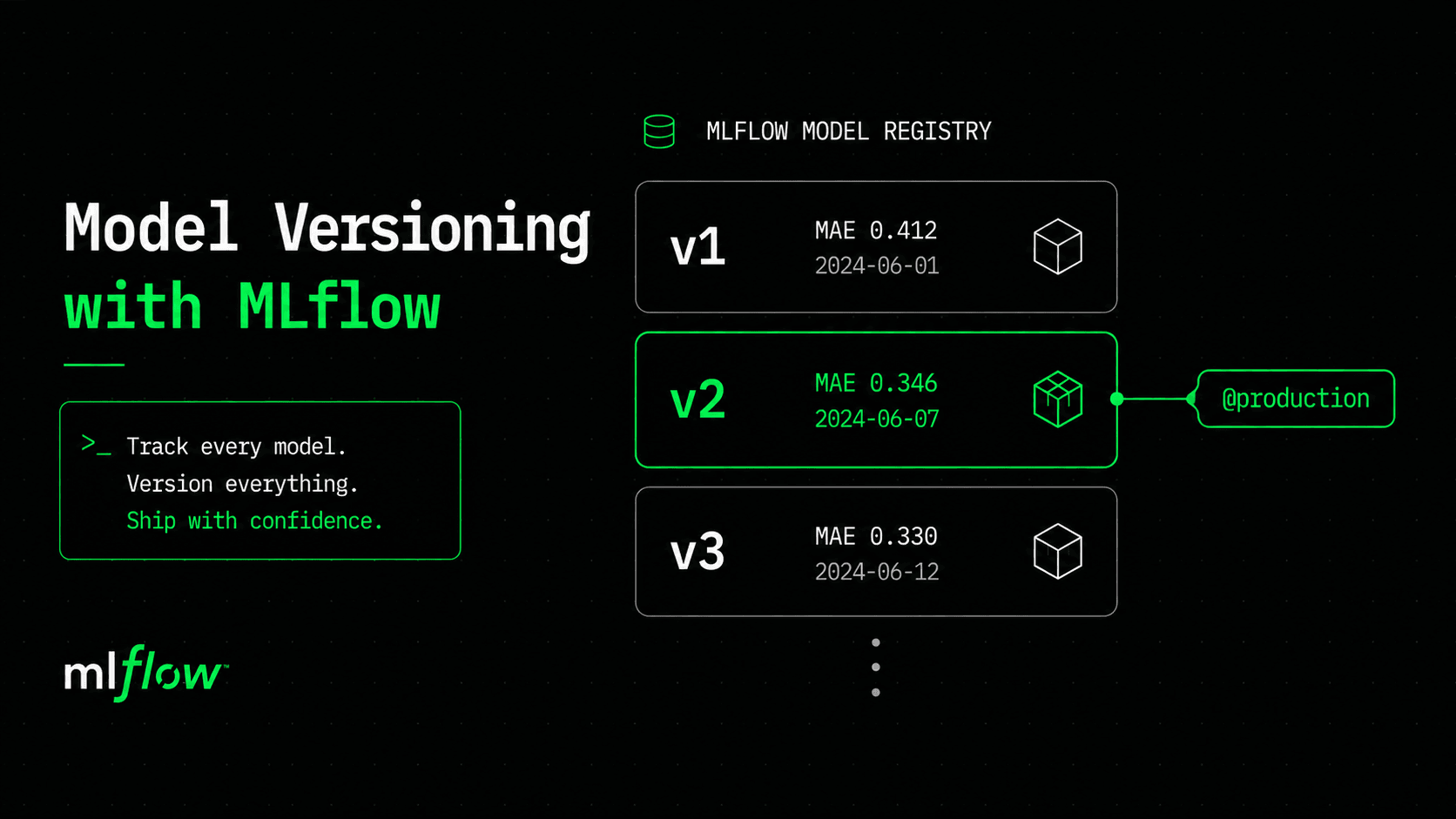
Here's a bug we've been shipping since part one. Every time train.py runs, it overwrites model/model.joblib. Train a new model, and the old one is gone, not archived, gone. If the new one turns out worse, there's no command to bring the old one back. We've been running production on a single mutable file that any training run can silently overwrite.
"Just commit it to Git," says instinct. But we ruled that out back in part one: Git would store a 47MB binary blob it can't diff, and even if it stored the file perfectly, it still couldn't answer the questions that actually matter. Which hyperparameters produced this model? What was its error on the test set? Is it better or worse than the one currently serving traffic? Git tracks bytes. What we need is a system that tracks experiments.
That system is MLflow. We use two pieces of it: experiment tracking, which records the parameters, metrics, and model of every run so nothing is ever lost; and the Model Registry, which turns those runs into versioned models you can promote. Together they answer the question part four left open — a green pipeline proves the tests passed, but MLflow is how you prove the model is actually good.
Experiment tracking: never lose a run again
Instead of overwriting a file, each training run logs itself to MLflow: its parameters, its metrics, and the model artifact. Wrapping our part-one training in tracking is a handful of lines — mlflow.start_run() opens a run, and you log into it.
# registry/train_mlflow.py
import mlflow, mlflow.sklearn
from sklearn.ensemble import RandomForestRegressor
# ... same dataset + split as part one ...

mlflow.set_experiment("house-price")

for params in [
    {"n_estimators": 200, "max_depth": 12, "random_state": 42},
    {"n_estimators": 300, "max_depth": 16, "random_state": 42},
]:
    with mlflow.start_run() as run:
        model = RandomForestRegressor(**params).fit(X_train, y_train)
        preds = model.predict(X_test)
        mae = mean_absolute_error(y_test, preds)
        r2 = r2_score(y_test, preds)

        mlflow.log_params(params)
        mlflow.log_metrics({"mae": mae, "r2": r2})
        # artifact_path works on mlflow 2.x and 3.x; the newer name= is 3.x-only.
        mlflow.sklearn.log_model(model, artifact_path="model",
                                 registered_model_name="house-price")
        print(f"run {run.info.run_id[:8]}  mae={mae:.3f}  r2={r2:.3f}")
Run it against a local tracking store and you get two runs, both recorded, neither destroying the other:
run 87ebd3eb  mae=0.346  r2=0.792     # 200 trees, depth 12
run feb67576  mae=0.330  r2=0.804     # 300 trees, depth 16
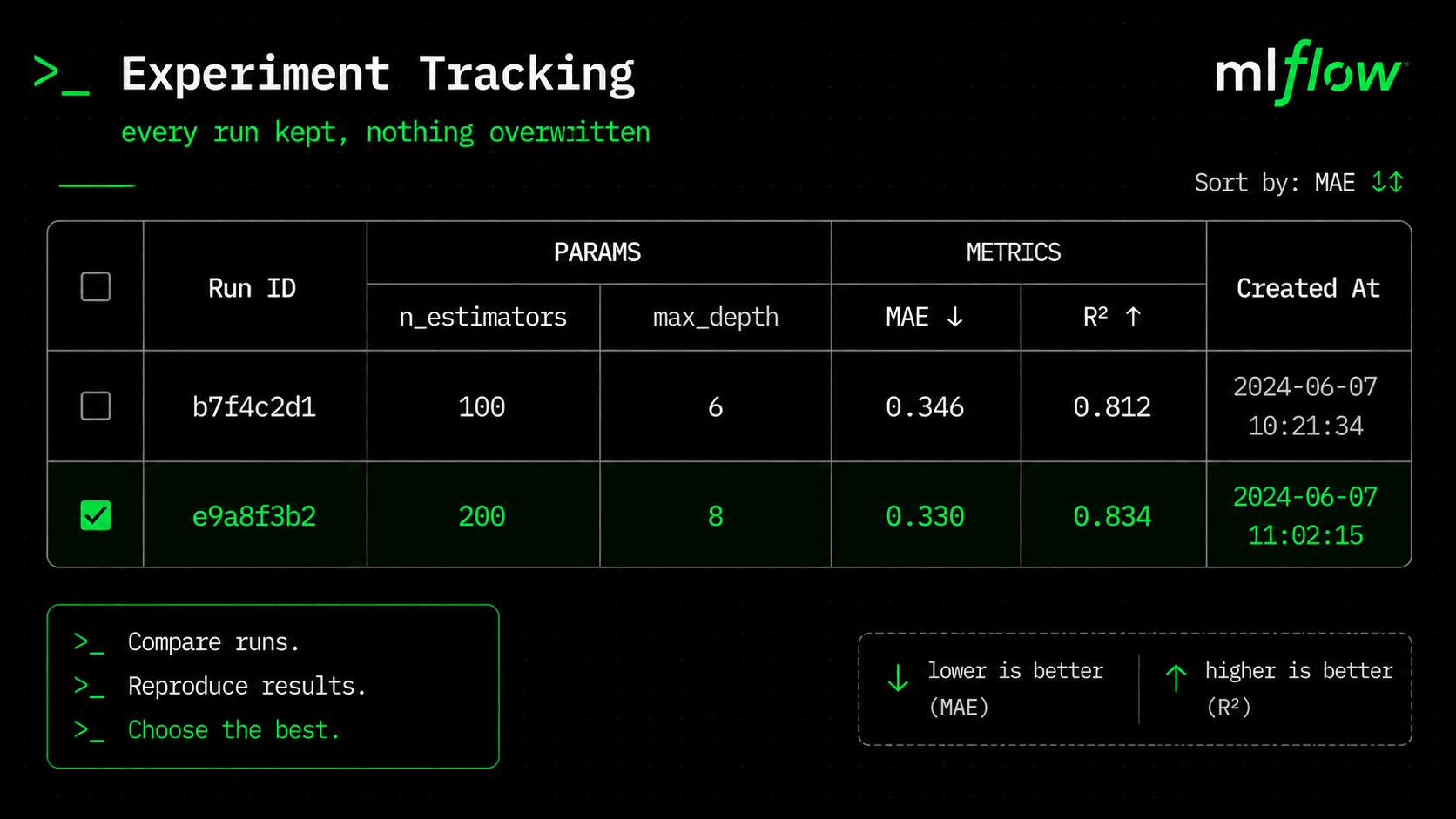
These are the real numbers from our dataset. The second config (more trees, deeper) is genuinely better: MAE drops from 0.346 to 0.330, which means about $1,600 less average error per prediction. In the old world, we would have overwritten the first model with the second and hoped for the best. Now both are stored, tagged with the exact parameters that produced them, and easy to compare side by side. Run mlflow ui and you get a sortable table of every run you've ever done — like finally turning on the lights.
The Model Registry: ECR for models
Logging runs gives you history. The Registry gives you control. Because we passed registered_model_name="house-price", each logged model also lands in the registry as a version — v1, v2, v3. This is exactly the "ECR for models" idea from part one: instead of pushing image:sha and promoting a tag from staging to production, you register model versions and move a named pointer onto whichever version earned it.
Modern MLflow handles promotion with aliases, not the old Staging/Production "stages" (those are deprecated). An alias is a movable, named pointer — like a Docker tag, or a Git branch that always points at exactly one commit. We'll use one alias, production, and the rule for moving it's the champion/challenger gate we introduced back in part one.
Promotion is a decision, not a default
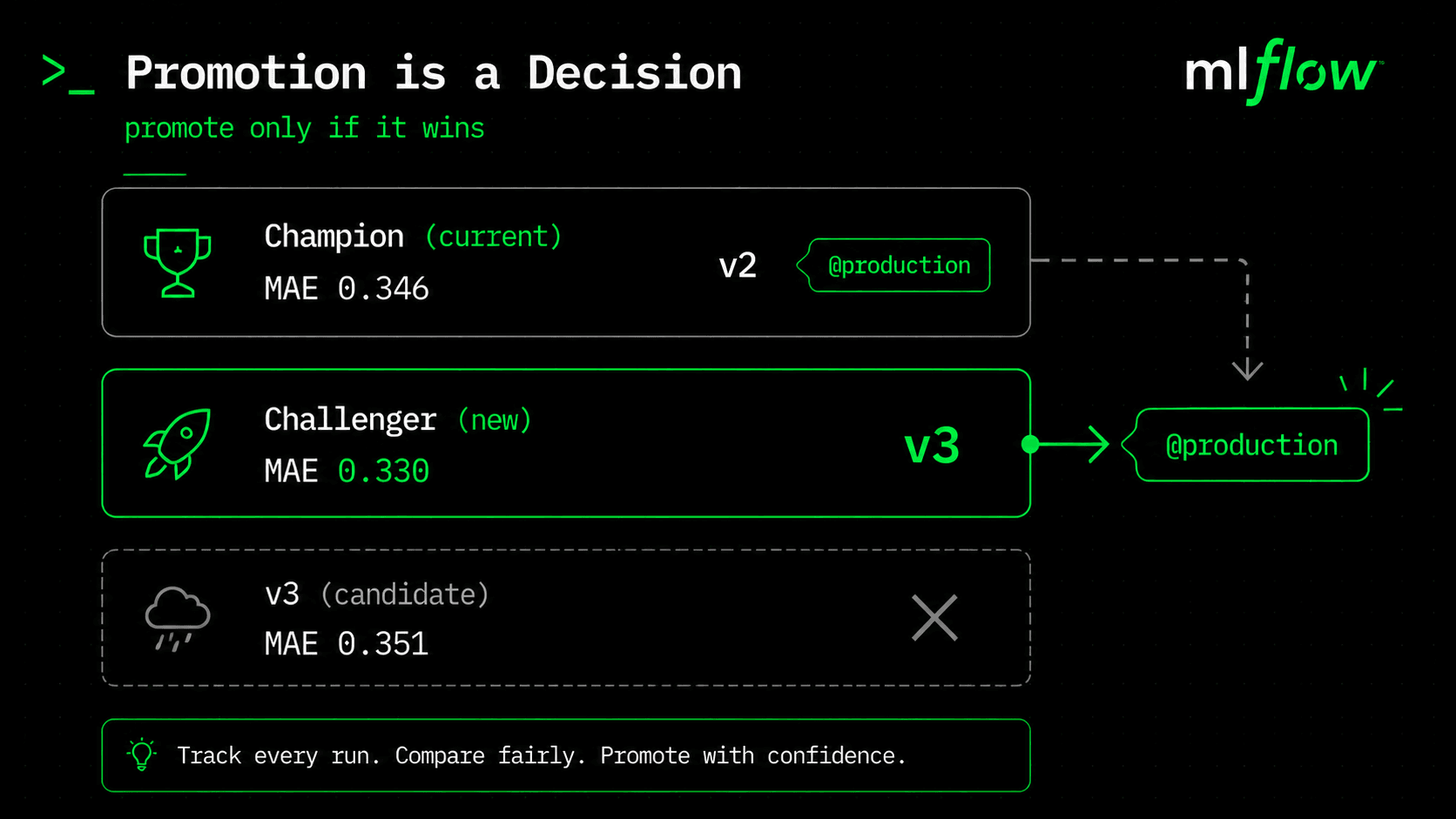
This is the heart of it. A newer model isn't automatically a better model, so "promote" can't mean "promote the latest." It means: the challenger only takes the production alias if it beats the current champion on a metric that matters. Lower MAE is fewer dollars of error, so that's our gate.
# registry/promote.py
from mlflow import MlflowClient
client = MlflowClient()

# Newest registered version is the challenger.
versions = client.search_model_versions("name='house-price'")
challenger = max(versions, key=lambda v: int(v.version))
challenger_mae = mae_of(client, challenger.version)

# Current champion, if any (None the very first time).
try:
    champion = client.get_model_version_by_alias("house-price", "production")
    champion_mae = mae_of(client, champion.version)
except Exception:
    champion, champion_mae = None, float("inf")

if challenger_mae < champion_mae:
    client.set_registered_model_alias("house-price", "production", challenger.version)
    print(f"PROMOTED v{challenger.version} to @production")
else:
    print("kept champion; challenger did not beat it")
One run of train_mlflow.py trains both configs, so the registry already holds v1 (MAE 0.346) and v2 (MAE 0.330). promote.py takes the newest version, v2, as the challenger. With no champion yet, v2 wins the production alias by default, and it deserves it, since 0.330 is the lower error. The gate proves its value on the next round: if you later train a worse config — say a v3 that scores 0.351 — the script keeps the champion and refuses to promote the new model, no matter how new it is. That refusal is the entire point. It's the model-quality gate part four couldn't give you, and it drops straight into the CI pipeline: run the tests, then run this.
What this changes about serving
Here's the payoff that ties back to part two. Our API currently loads a hard-coded file path, model/model.joblib. With a registry, it instead loads by alias:
# the serving change, conceptually
import mlflow.sklearn
model = mlflow.sklearn.load_model("models:/house-price@production")
The service no longer knows or cares which version number it's running. It asks for "whatever is production right now." So promoting v2 over v1 becomes a pointer move in the registry — the next time a pod starts (or refreshes), it picks up the new champion with no image rebuild and no code change. Deploying a better model stops being a deploy at all. It becomes a promotion, and the "which model version is live" question from part four now has a precise answer: whatever @production points at.
From a sqlite file to a real tracking server
Everything above ran against a local sqlite file and a folder. That's perfect for learning, but useless for a team: a colleague can't see your runs, and "the registry" is a file on your laptop. In production, MLflow runs as a server backed by two things — a database for the metadata (parameters, metrics, the version-to-run mapping) and an object store for the artifacts (the actual model files). Postgres and S3 are the usual pair.
mlflow server \
  --backend-store-uri postgresql://mlflow:pass@db:5432/mlflow \
  --default-artifact-root s3://my-mlops-bucket/mlflow-artifacts \
  --host 0.0.0.0 --port 5000

# clients just point at it — no code change:
export MLFLOW_TRACKING_URI=http://mlflow.internal:5000
That's the entire difference between the toy setup and the real one: change MLFLOW_TRACKING_URI from a sqlite path to the server's URL, and the exact train_mlflow.py and promote.py from above keep working — now writing to shared storage everyone can see. The registry stops being a file on one laptop and becomes the team's single source of truth for "which model is in production." The series repo includes a docker-compose file (MLflow + Postgres + MinIO in place of S3) that runs this whole stack locally, and in part eight we provision the real Postgres and S3 bucket with Terraform.
What's next
We can now track every experiment, keep every version, and promote only the models that earn it. That covers two of the three things part one said you need to reproduce a deployment: the code lives in Git, the model lives in MLflow. The third — the data — is still untracked. Nothing here records which dataset trained which model, so "reproduce exactly what v1 saw" is a question we still can't answer. That's the gap part six closes: versioning data the way Git versions code, using DVC. The MLflow scripts are in the series repo under registry/. See you in part six.
$ ./work-with-me.sh
Want this in your job, not just your notes?
I take engineers from wherever they are to hired-in-6-months — real projects, code reviews, and mock interviews. Or if you just need a hand shipping something to production, let's work together.
or subscribe on YouTube — free, forever.
$ subscribe --new-articles
Get new articles in your inbox
One email when a new hands-on guide goes live — Kubernetes, AWS, CI/CD, MLOps. No spam, unsubscribe anytime.